


Presentations That Help You Sell

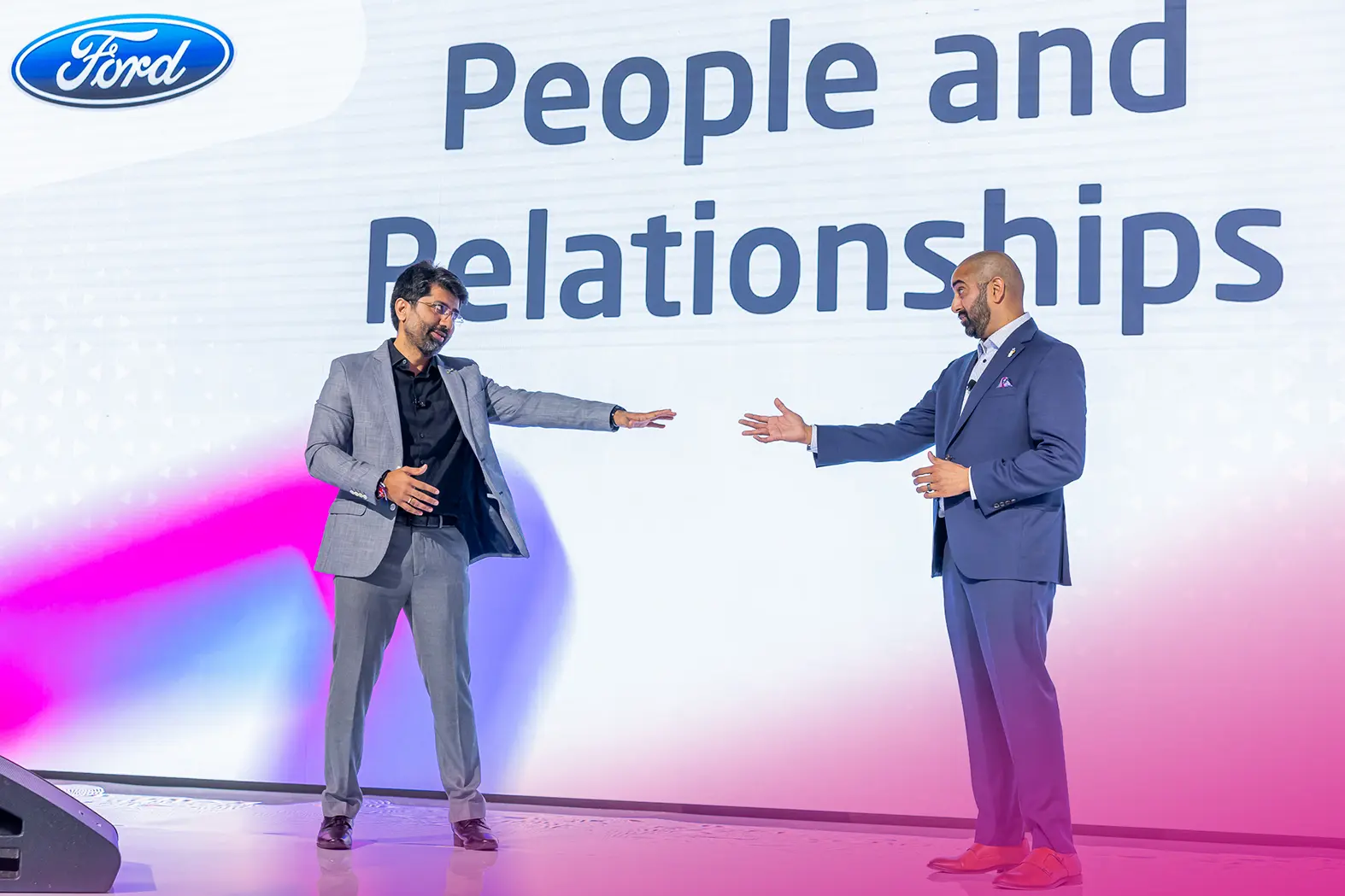
A presentation should make sense even without slides. We make sure it does – and that the slides actually help.
Anyone can generate slides in minutes. The problem is that “good enough” often looks like everyone else.
At an event where your clients, competitors, and partners are in the room, your presentation needs to do more than look polished. It needs to land – and stay with people.
We build the thinking behind the presentation: the goal, the audience, the story, the speaker flow, and a final file that works on any screen.


Who This Is For
We work best with companies that:
- Sell a complex product and need to explain it simply – without overloaded slides or technical jargon
Have messy, inconsistent materials that don’t work in sales – and want to fix the system, not add another version
- Are planning an event, conference, or trade show and want presentations that support sales — not just fill the agenda
- Collect decks from multiple speakers and need the event to feel like one brand – not a patchwork of slides
- Don’t want to deal with technical issues on stage – fonts, resolution, file formats, or screen compatibility
- Want the event to feel consistent and professional – from stage visuals to speaker transitions

Why Presentations Drive Revenue
- Decisions are shaped during the presentation A client who understands and trusts you is ready to talk. A client who leaves confused usually doesn't come back.
- Strong presence supports higher pricing Companies that look and sound professional on stage build trust faster than those that improvise.
- The presentation keeps working after the event A well-built deck comes back in future editions, sales conversations, and marketing. The cost pays off with every reuse.
- Motion design shapes how the event is remembered Intros, transitions, speaker announcements. People won't say "great animation." They'll say "this felt like a professional event.
How We Work
1.
Understand the audience:
Who's in the room, what they care about, what they already know - and what needs to change after the presentation.
3.
Check the setup early:
Before design starts, we confirm the real setup: screen format, resolution, file type, stage layout, and how the presentation will be displayed. This prevents painful last-minute redesigns.
5.
Build the narrative:
We structure the presentation around the audience - not the speaker. What comes first, what builds trust, and what moves the conversation forward.
5.
Final prep and delivery:
The speaker reviews and rehearses. We stay available - on-site or remotely - and fix issues before the audience notices.


2.
Define the outcome:
What should this presentation actually achieve? Not what the speaker wants to say - what the audience needs to understand and remember.
4.
Shape the message:
We work with the speaker to pull out what matters. Most people try to say too much - we reduce it to a few points that actually land.
6.
Design for stage, sales, and content:
We make the key messages visible, memorable, and useful after the event - in photos, social media, PR, and sales follow-up. No walls of text. No important message buried in a crowded slide.
1.
Understand the audience:
Who's in the room, what they care about, what they already know - and what needs to change after the presentation.
2.
Define the outcome:
What should this presentation actually achieve? Not what the speaker wants to say - what the audience needs to understand and remember
3.
Check the setup early:
Before design starts, we confirm the real setup: screen format, resolution, file type, stage layout, and how the presentation will be displayed. This prevents painful last-minute redesigns.
4.
Shape the message:
We work with the speaker to pull out what matters. Most people try to say too much - we reduce it to a few points that actually land.
5.
Build the narrative:
We structure the presentation around the audience - not the speaker. What comes first, what builds trust, and what moves the conversation forward.
6.
Design for stage, sales, and content:
We make the key messages visible, memorable, and useful after the event - in photos, social media, PR, and sales follow-up. No walls of text. No important message buried in a crowded slide.
7.
Final prep and delivery:
The speaker reviews and rehearses. We stay available - on-site or remotely - and fix issues before the audience notices.
Types of Presentations & Animations We Build
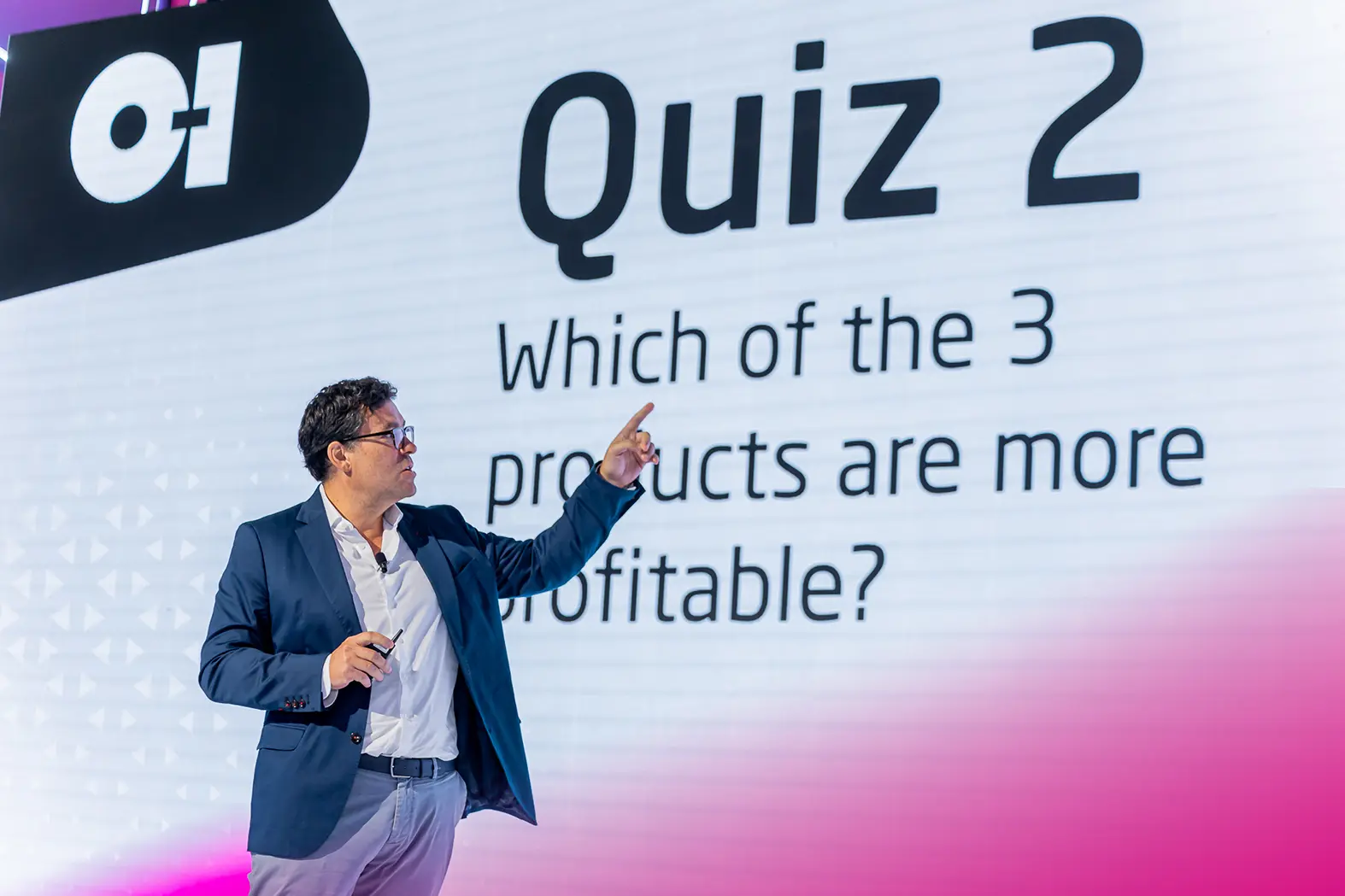
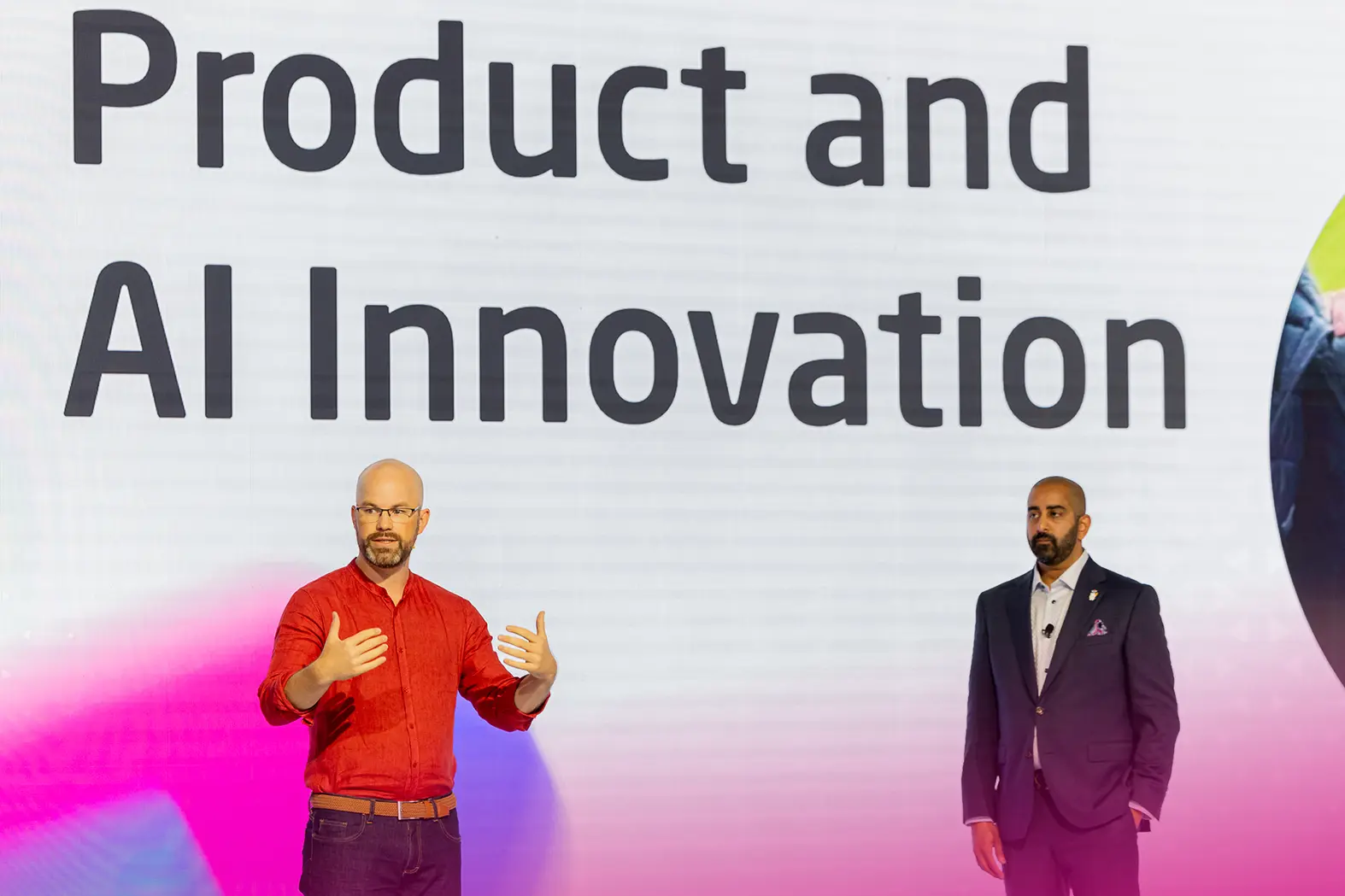
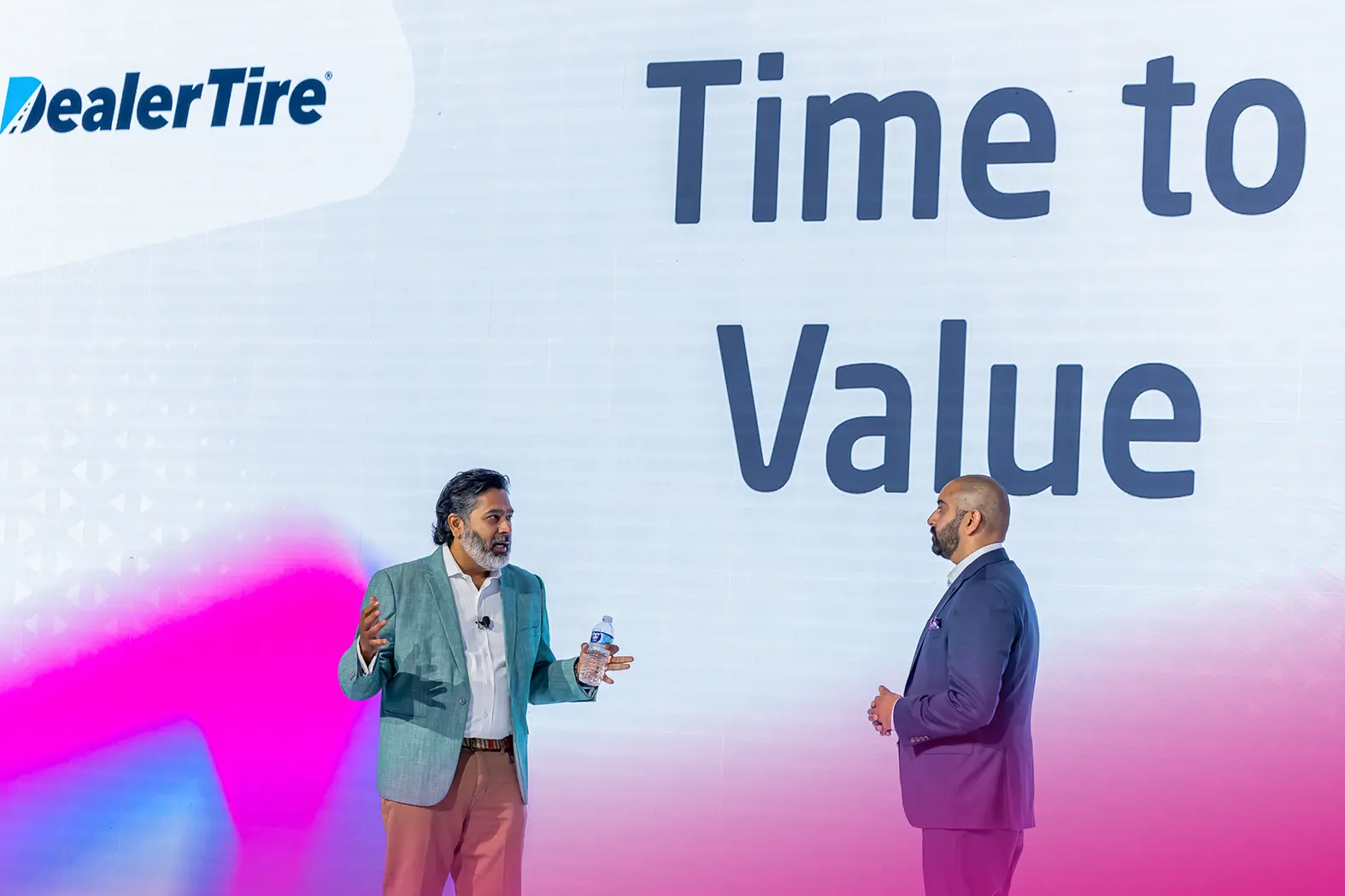
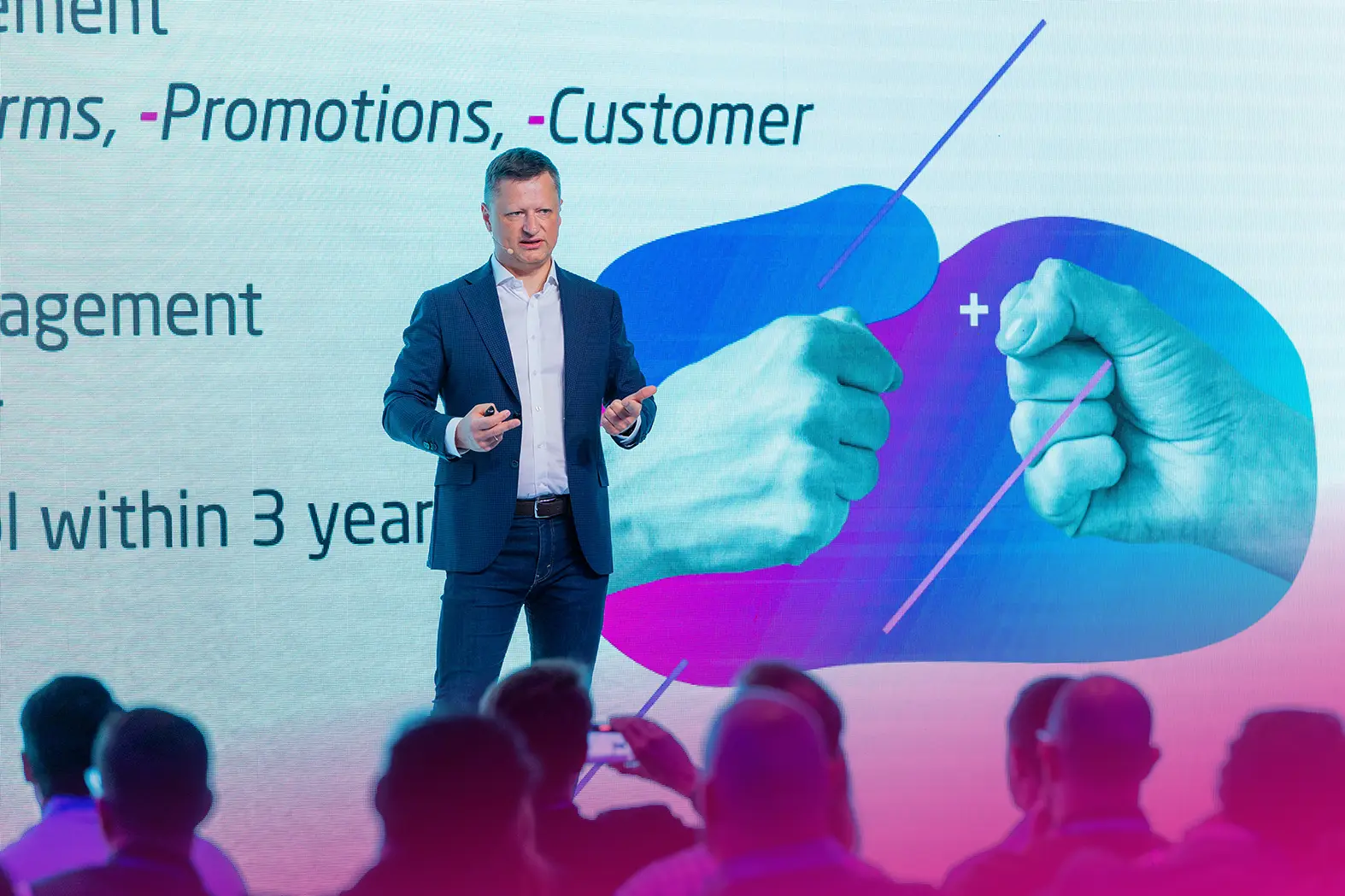
- Event and conference presentations Engaging, focused, and free of clutter. Slides that support the speaker – not replace them. Designed for the stage and for use after the event.
- Sales presentations and pitch decks Clear and persuasive. Built to support your sales team at every stage – especially with complex products where value needs to be understood before price.
- Educational and product presentations For partners, clients, or internal teams. We translate technical knowledge into language your audience can act on.
- Event animations Stage intros, transitions, and speaker announcements. They create rhythm and energy that slides alone can’t deliver.
- Explainer animations Instead of 10 slides with diagrams, one animation that shows how something works in under a minute. For complex B2B products, this is often the fastest way to make it click.
What Sets Us Apart
- We don’t start with slides We start with the goal, the audience, and the story. Slides come last.
- One person owns the outcome One expert leads the project end to end.
- We keep the entire event consistent Every presentation builds the event brand.
- We prepare speakers to deliver Clear message, confident delivery – on stage.
- We fix issues before they’re visible On-site or remote, we act before the audience notices.
- Built for stage – and what comes after We design slides so key messages work on stage, in photos, and in PR – long after the event ends.
Good to Know:
- You don't need the full scope We can take on one key presentation, fix existing materials, or run a technical check before the event.
- Slides are the last step - not the first Most presentation problems start with someone opening PowerPoint before asking: "What should the audience do after this?"
- AI speeds things up - it doesn't replace thinking We use it for structure and consistency. The strategy, content decisions, and speaker preparation are always done with a person.
Have an event, conference, or keynote coming up? Tell us what you need - we'll help you figure out what's worth doing and what it should cost.
Budget & Ways to Work With Us
We match the scope to the scale of the presentation:

Single presentation
Design, brand alignment, and technical check. Built to look professional and work on the actual screen setup. $2,500–$3,000+.

Presentation with expert
Message strategy, content, design, and rehearsals. The speaker walks on stage prepared, with a clear story for the audience. Project-based pricing.

Full Presentation Control
All speaker decks managed in one system. We turn draft content into consistent, event-ready presentations. Starting at $40,000.
FAQ
Most common questions
What does presentation design usually cost?
It depends on the scope of work and how important the presentation is to the business outcome.
Most presentation design projects including layout cleanup, visual consistency, animations, formatting, and technical checks typically fall somewhere between $1200 and $1,700.
The final cost depends on:
- the number of slides,
- animation complexity,
- technical requirements,
- turnaround time,
- and how polished the final presentation needs to be.
That usually includes revisions and a short consultation with the presenter.
If you also need help with the messaging, presentation structure, storyline, or executive coaching, we normally treat that as a separate part of the project. We recommend it most often when the presentation directly impacts:
- sales,
- investor conversations,
- strategic partnerships,
- leadership communication,
- or major product presentations.
Full presentation support for larger events with multiple speakers typically starts in the several-thousand-dollar range.
We already have a presentation, but something keeps breaking technically. Can you help?
Yes. That is actually one of the most common last-minute problems before an event.
We help fix things like:
- broken fonts,
- formatting issues,
- screen resolution problems,
- animations,
- video playback,
- PowerPoint and Keynote compatibility,
- aspect ratio issues,
- and presentations falling apart after moving between computers.
And honestly, presenters should not have to deal with that themselves.
The person walking on stage should focus on the message and delivery, not spend an hour backstage fighting with a broken file five minutes before the keynote starts.
We know how stressful those situations can be and how quickly they affect the quality of the entire presentation.
I have too many ideas and no clear structure yet. Can you help with that?
That is actually where many projects begin.
And usually, it is the hardest part.
We do not start with slides.
We start with:
- the audience,
- the message,
- the business goal,
- and what people should remember after the presentation ends.
Only then do the slides start taking shape.
Because slides should support the speaker, not replace them.
A good presentation helps people understand and remember the message. It should not feel like somebody reading a crowded screen full of text.
If things still feel messy or unfinished in your head, that is completely normal. Even a short conversation is often enough to bring structure and clarity to the presentation.
Can you improve an existing presentation instead of creating a new one?
Absolutely. A large part of our work starts with materials clients already have.
Sometimes the information itself is valuable, but the structure, flow, or slide design makes it difficult to follow.
We help simplify the message, improve readability, reorganize the content, and decide:
- what should stand out,
- what can be shortened,
- and what probably does not need to be there at all.
Many presentations fail because they try to put everything on screen at once.
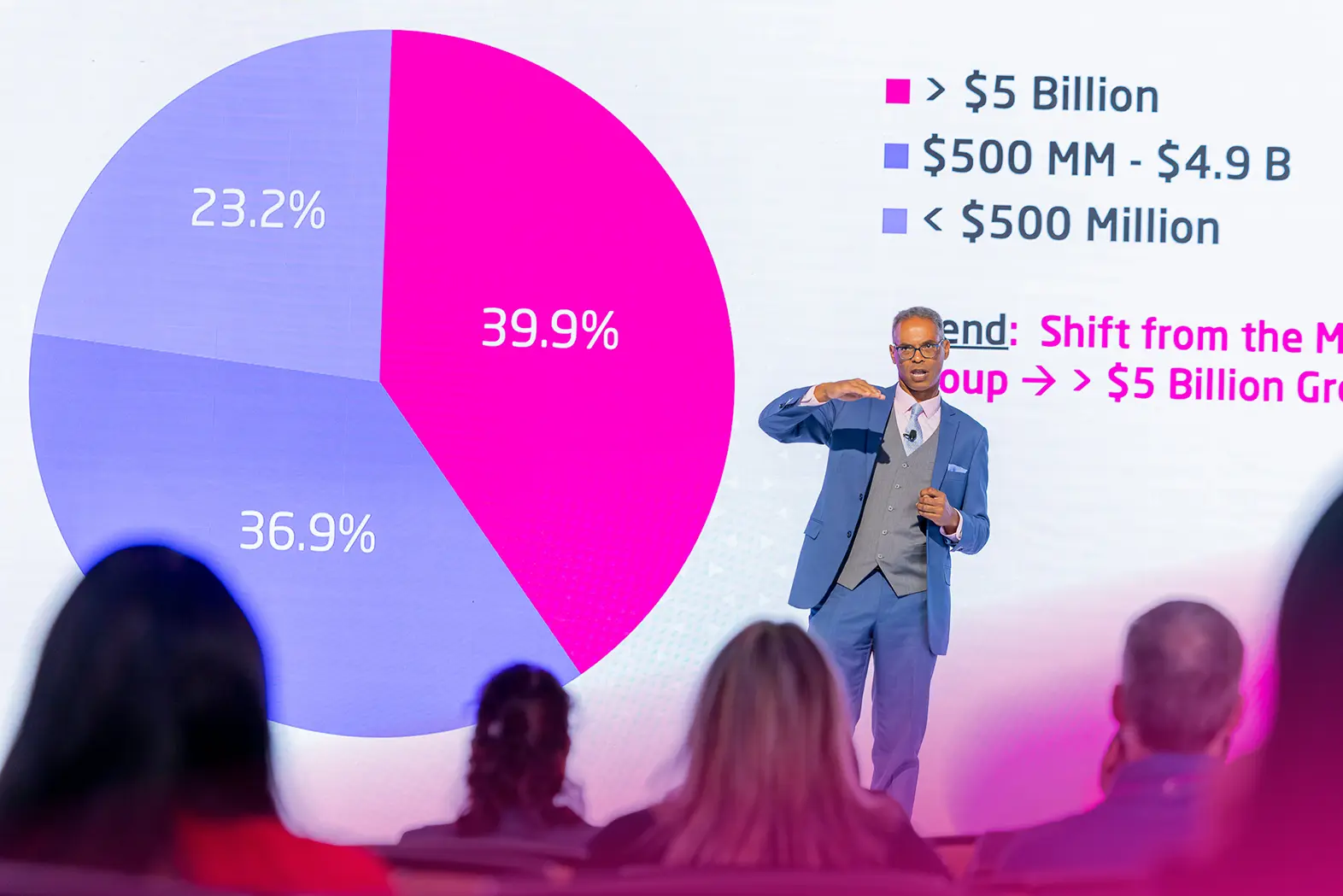
If the presentation includes a lot of data, charts, or technical information, we help make it easier to follow and much more presentation-friendly for a live audience.
The initial conversation is free.
We have multiple speakers sending their own slides. Can you make everything feel consistent?
Yes, that is one of the most common things we do for conferences and corporate events.
We collect materials from different presenters and unify:
- layout,
- typography,
- animations,
- formatting,
- visual hierarchy,
- and overall brand consistency.
And honestly, it matters more than many companies realize.
If a company wants to look modern and professional, but every speaker walks on stage with completely different slides, the entire event immediately starts feeling disorganized.
Visual consistency is not just “design polish.”
It directly affects how people perceive the quality of the company, the product, and the professionalism behind the event.
What if changes happen at the last minute?
That is normal in the event world.
Of course we work with deadlines and structured approval processes, but presentations often continue evolving right up until the event starts.
Updated numbers, last-minute executive changes, revised sales data, partner additions, new announcements, it happens constantly.
We are used to working under those conditions and have workflows built specifically for fast updates, including:
- late evenings,
- overnight revisions,
- and projects running across multiple time zones.
The goal is simple:
the presenter should be able to walk on stage calmly and focus entirely on the presentation itself.
What format will the presentation be delivered in?
Most projects are built in PowerPoint, since it is still the standard across most technology, industrial, and corporate environments.
If the project requires Keynote, that is completely fine as well. Some presenters and clients simply prefer working in that environment, especially for more visual or individually delivered presentations.
We always adapt the format to:
- the event setup,
- AV systems,
- the presenter’s workflow,
- and the technical environment on-site.
Files are typically delivered in fully editable format unless another delivery method is agreed in advance.
How do you handle confidential materials?
Many presentations include financial data, product information, sales strategy, executive communication, or other highly sensitive business content. Because of that, confidentiality is treated as a core part of the process, not an extra service.
We work under NDA, use trusted specialists only, and limit file access strictly to people involved in the project.
During live events, presentations are run from dedicated presentation machines that are kept completely offline and disconnected from the network. That is standard procedure for confidential event materials.
After the event, presentation files are removed from the presentation systems. When external AV companies are involved, this process happens under agreed confidentiality procedures and in coordination with our team.
Project files are either archived or permanently removed afterward, depending on the agreement with the client.
Planning an Event, Trade Show, or Conference?
Tell us what you’re trying to achieve. We’ll get back to you to schedule a short, free call – and help you figure out the right format, where to put your budget, and how to approach the project.
Rather just email us?
hello@eventgurub2b.com
